



DID CALPERS COUNT EVERY PAY PERIOD?™ | CalPERS Payroll & Service Credit Audit
DID CALPERS COUNT EVERY PAY PERIOD?™
CalPERS Payroll & Service Credit Audit
Your CalPERS service credit is built from employer-reported payroll records.
This audit workbook helps you compare your own pay-period records against the earnings, member contributions, and service-credit information available in your CalPERS records so you can identify possible missing periods, reporting differences, or service-credit gaps that deserve review.
WHAT THIS TOOL HELPS YOU FIND
• Possible missing or underreported service credit
• Pay periods that may not match your CalPERS record
• Earnings differences
• Member-contribution differences
• Missing supporting records
• Special or leave periods that need manual review
• Fiscal-year service-credit differences
• Years that may need employer or CalPERS follow-up
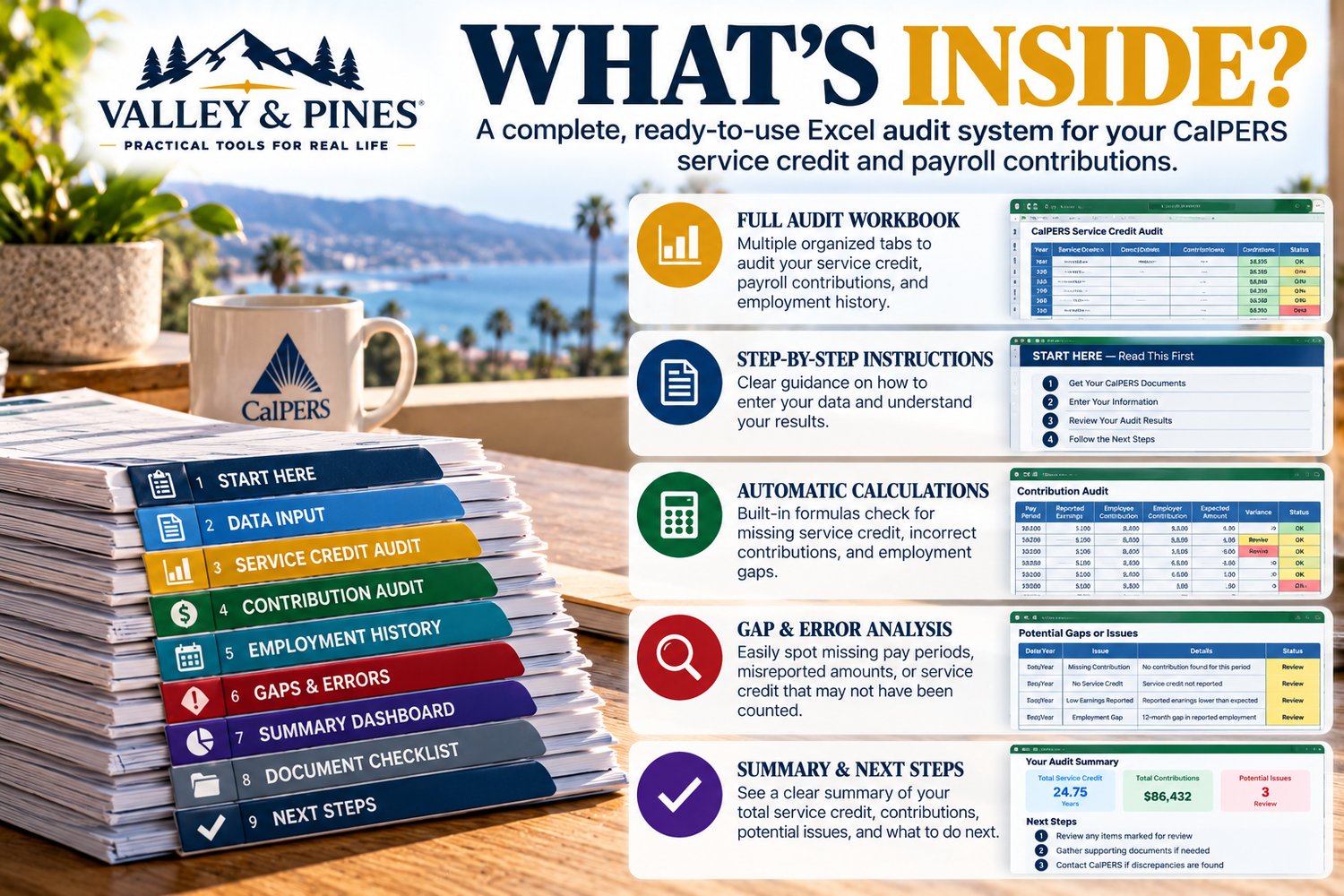
WHAT’S INCLUDED
• Protected Excel payroll and service-credit audit workbook
• 300-row pay-period audit log
• Hourly, daily, and monthly service-unit screening
• Automatic preliminary service-credit calculations
• CalPERS fiscal-year review — July 1 through June 30
• Earnings comparison
• Member-contribution comparison
• Service-credit comparison
• Annual Member Statement comparison
• Evidence-readiness tracking
• Special / leave review flags
• Dashboard and stop-review checks
• Review-packet preparation workflow
• 3-page Quick Start PDF
• Official CalPERS source references built into the workbook
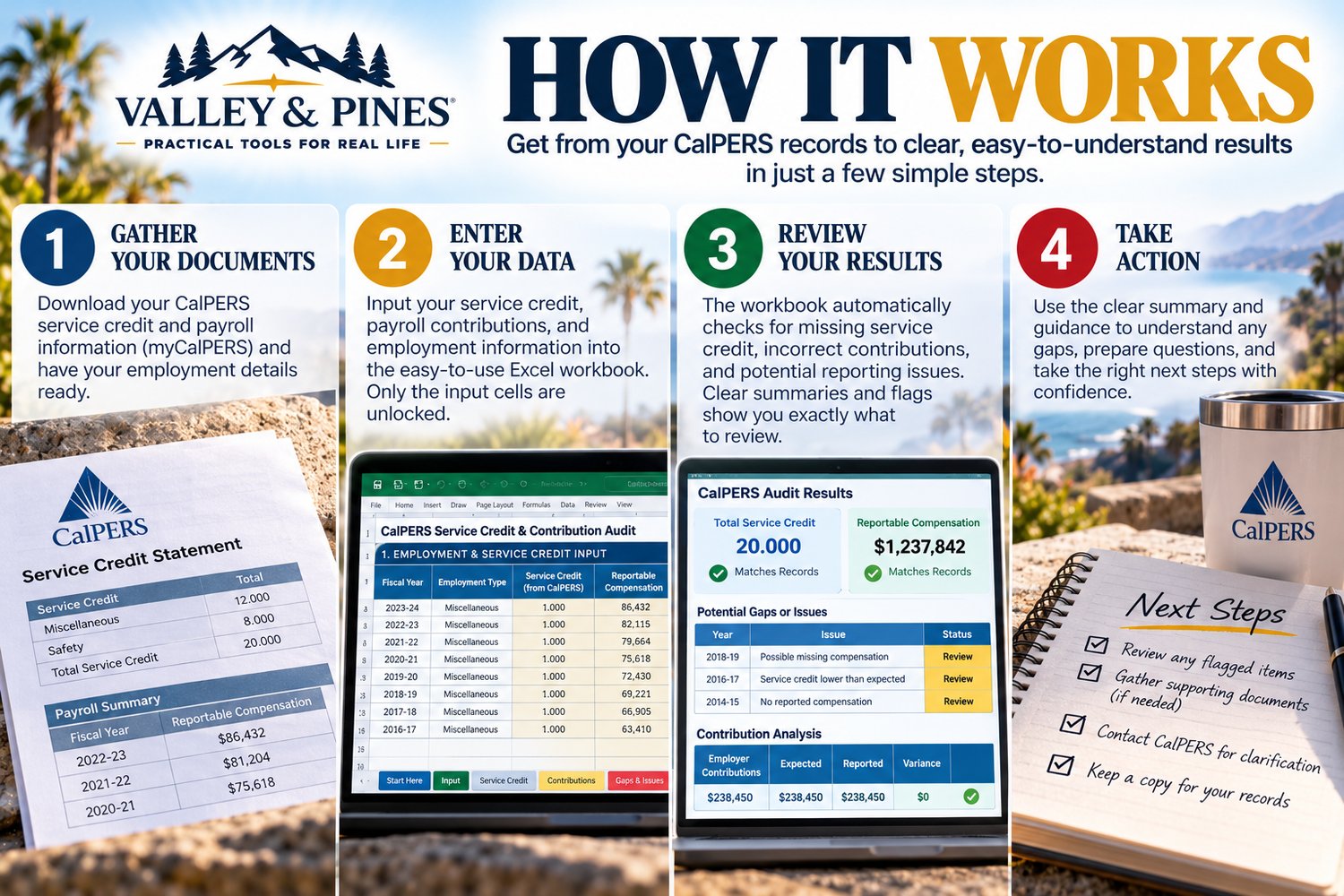
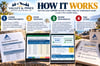
HOW IT WORKS
1. Enter one earned period per row.
2. Select the applicable pay basis and enter your documented service units.
3. Enter the CalPERS-reported earnings, contribution, or service-credit values you can verify.
4. Review any differences or warning flags.
5. Review the fiscal-year totals against your Annual Member Statement.
6. Gather the supporting records for any period that still needs review.
SERVICE-CREDIT SCREENING
The workbook uses CalPERS' published full-year service-credit benchmarks of:
• 1,720 hours
• 215 days
• 10 full-time months
The preliminary fiscal-year estimate is capped at 1.000 year.
Special payroll, leave, appointment, membership, compensation, or time-base rules may require additional review.
IMPORTANT
This is a record-reconciliation and organization tool.
It does not determine CalPERS membership eligibility, decide whether compensation is pensionable or reportable, determine whether an employer must submit a correction, or determine what CalPERS legally owes.
A POSSIBLE SERVICE CREDIT GAP is a review flag — not proof that CalPERS or an employer made an error.
PRIVACY
The workbook runs locally in Microsoft Excel.
You do not need to enter your Social Security number, CalPERS password, banking information, or other unnecessary sensitive information.
SYSTEM REQUIREMENT
Microsoft Excel is recommended for full workbook functionality.
Valley & Pines is not affiliated with, endorsed by, or connected to the California Public Employees' Retirement System (CalPERS).